
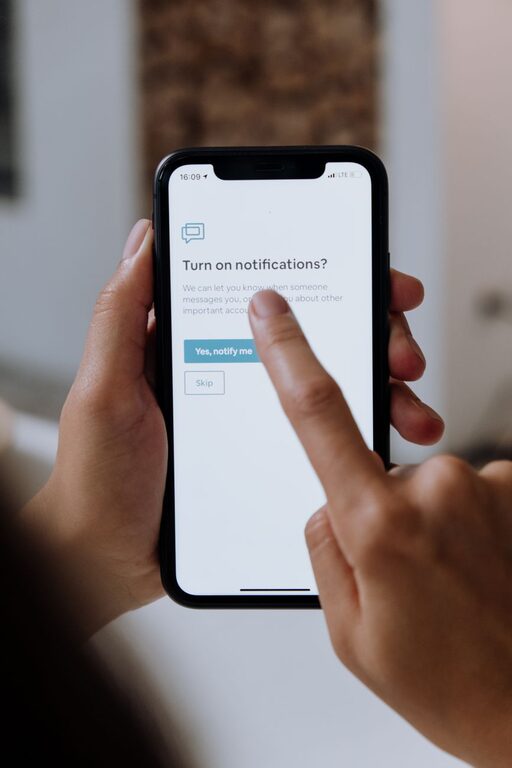
In today’s connected world, notifications from apps, emails, and messages constantly compete for our attention. While they keep us informed, too many alerts can lead to distraction, stress, and a fragmented day. Setting clear boundaries with notifications is essential for maintaining focus and balance in both personal and professional life.
This post offers practical tips to help you regain control over your notifications and create a healthier digital environment.
Why Setting Boundaries with Notifications Matters
Notifications are designed to grab your attention quickly. However, when unmanaged, they can interrupt deep work, reduce productivity, and increase feelings of overwhelm. By setting boundaries, you can:
– Minimize distractions and stay focused on important tasks.
– Reduce stress caused by constant interruptions.
– Create designated times to check messages and updates.
– Improve work-life balance by separating screen time from personal time.
Tips for Setting Boundaries with Notifications
1. Audit Your Notifications
Start by reviewing which apps and services send you notifications. Consider these questions:
– Do I really need to be alerted from this app?
– How often do notifications interrupt me?
– Are these notifications time-sensitive or can they wait?
Turn off alerts from apps that are not essential. For example, social media apps or non-urgent news updates might be candidates for disabling notifications.
2. Customize Notification Settings by Priority
Many devices and apps allow you to adjust notification settings finely. Use this to your advantage by:
– Allowing notifications only from important contacts or apps.
– Setting custom alert sounds or vibrations for priority notifications.
– Using “Do Not Disturb” or “Focus Mode” to block non-essential alerts temporarily.
3. Schedule Specific Times to Check Notifications
Rather than reacting immediately to every alert, create dedicated times during your day to review messages and updates. This could be:
– Checking emails only twice a day — for example, once in the morning and once before finishing work.
– Reviewing social media or messaging apps during breaks.
Scheduling notification checks helps reduce the “always-on” feeling and improves concentration.
4. Leverage Built-in Device Features
Modern smartphones and computers come with features designed to help reduce distractions:
– Do Not Disturb: Silence notifications during meetings, focus time, or after work hours.
– Focus Modes: Customize modes like “Work,” “Personal,” or “Sleep” that filter notifications based on what you need at the moment.
– Notification Summary: Some devices can group non-urgent notifications and deliver them at specific times.
Explore these settings to create a personalized notification management system.
5. Use Third-Party Apps for Enhanced Control
If your device’s native options aren’t enough, consider third-party apps that offer advanced notification management:
– Apps that block notifications for set periods.
– Tools that prioritize alerts based on rules you create.
– Productivity apps that combine task management with notification control.
Choose apps carefully, ensuring they respect privacy and suit your needs.
6. Communicate Your Notification Preferences
Let friends, family, and colleagues know your preferred way and time to communicate. For example:
– Inform coworkers if you won’t respond to emails instantly but will check them at scheduled times.
– Use status messages on messaging apps to indicate when you’re unavailable.
– Set clear expectations about response times.
Clear communication helps reduce pressure to be constantly available.
7. Practice Mindful Notification Use
Be intentional about how you interact with notifications:
– Avoid instantly reacting to every alert.
– Pause before opening non-urgent notifications.
– Use notifications as reminders rather than distractions.
Cultivating mindfulness improves your ability to control attention and reduces impulsive responses.
8. Regularly Reassess and Adjust
Notification needs change over time. Make it a habit to:
– Review your notification settings every few months.
– Remove apps you no longer use or that generate unnecessary alerts.
– Adjust settings as your work or lifestyle evolves.
Staying proactive ensures your notification boundaries remain effective.
Conclusion
Setting boundaries with notifications is an important step toward greater focus, reduced stress, and improved well-being. By auditing your alerts, customizing settings, scheduling check-in times, and communicating preferences, you can create a balanced digital environment that supports your goals.
Try implementing these tips gradually and notice how they impact your daily experience. With consistent effort, you’ll find it easier to stay present, productive, and connected on your own terms.